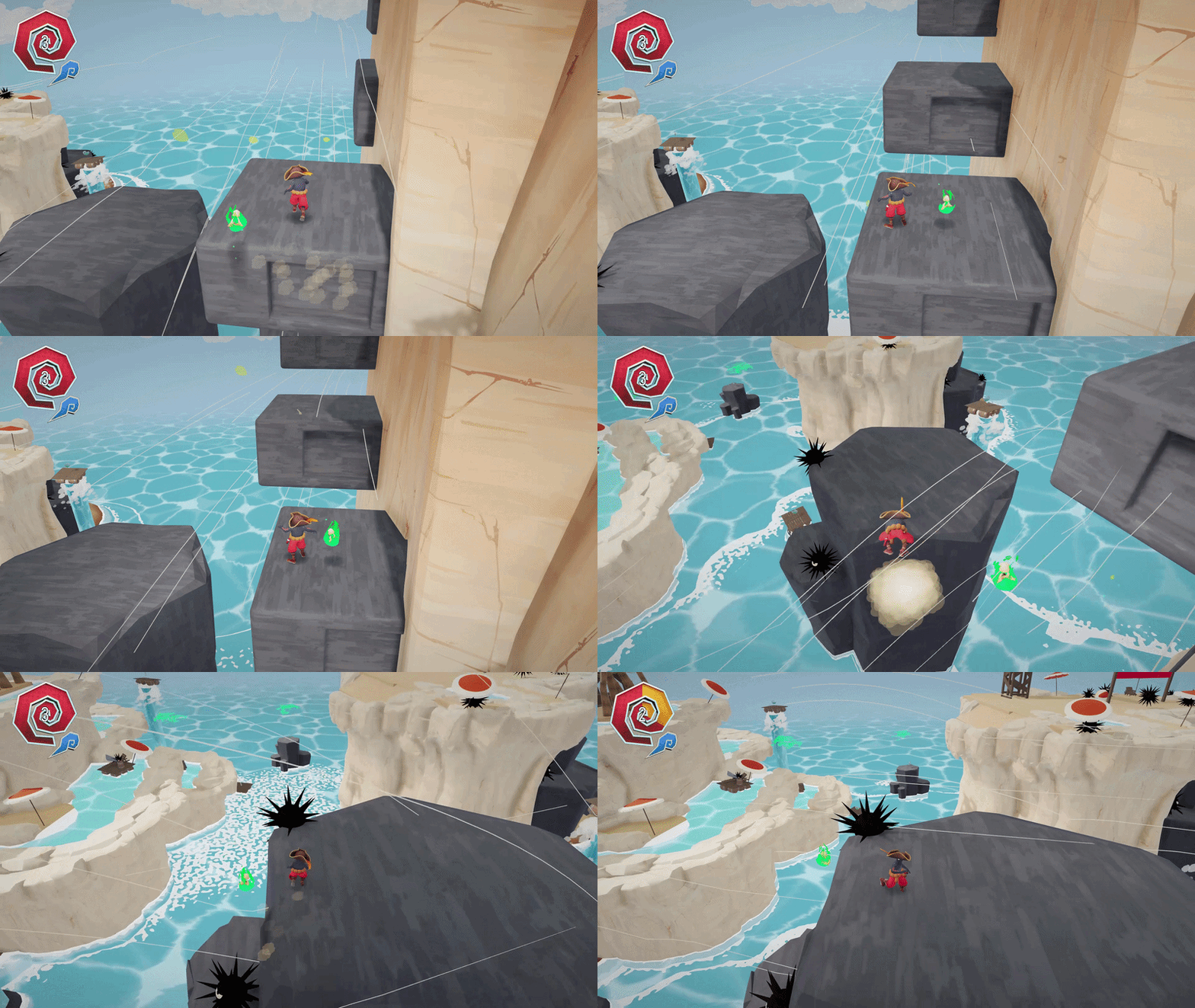
Maruk Shipwrecked:
Arr Matey! This was the sixth project at The Game Assembly, step right in!
This project I had two main responsibilities; audio through FMOD and shared responsibility of PhysX with another one on the team.
Audio Playback:
I had the sole responsibility for the audio playback and was the main bridge between our team and our external sound designer & game composer (Thank you so much Kimberly Palsäter, a pleasure to work with). This unsurprisingly includes the playback of things such as background music for each level, footsteps, feedback on actions via SFX etc. Above that I also implemented 3D sounds – both dynamic and static, that multiples of the same audio event could be played in close succession and a system for detecting which type of ground the player was walking on and changing the footstep sound accordingly.
3D Sounds – Static
By placing a listener in the player camera and updating the position, the forward-vector as well as the up-vector, 3D sounds could be used in the game.
3D Sounds – Dynamic
By tagging some events as dynamic sources they could be moved during runtime which was needed for our geysers. At the top of the geyser, just below the wooden platform, the audio source position is placed and when the geyser extends the audio source moves upwards and vice versa.
Changing Footsteps Sound
By adding the correct component for each respective ground type on the walkable surfaces – e.g. stone, wood, sand etc. – my audio manager automatically determines if the footstep sound needs to be changed when the player walks on a new surface.
Multiples of the same audio file
By creating duplicate event instances when loading the level multiples of the same audio file can be played at the same time without interfering with each other.
PhysX:
I was a part of implementing PhysX in our engine and we had it as a top priority to get working as soon as possible so that we could start working on other parts of the project. I was also the one that created our RigidBody class that all – except our character which uses the character controller – our physics object use. During development we needed to have dynamic, kinematic and static physics objects and it fell on me to make sure they worked. I was also the one that implemented trigger boxes which we used for damage zones around our hazard as well as the player following a moving platform when standing still. I also had to keep in mind to sync the colliders in PhysX and the visible meshes and make sure that they were consistent even when moving.
Rigid Bodies
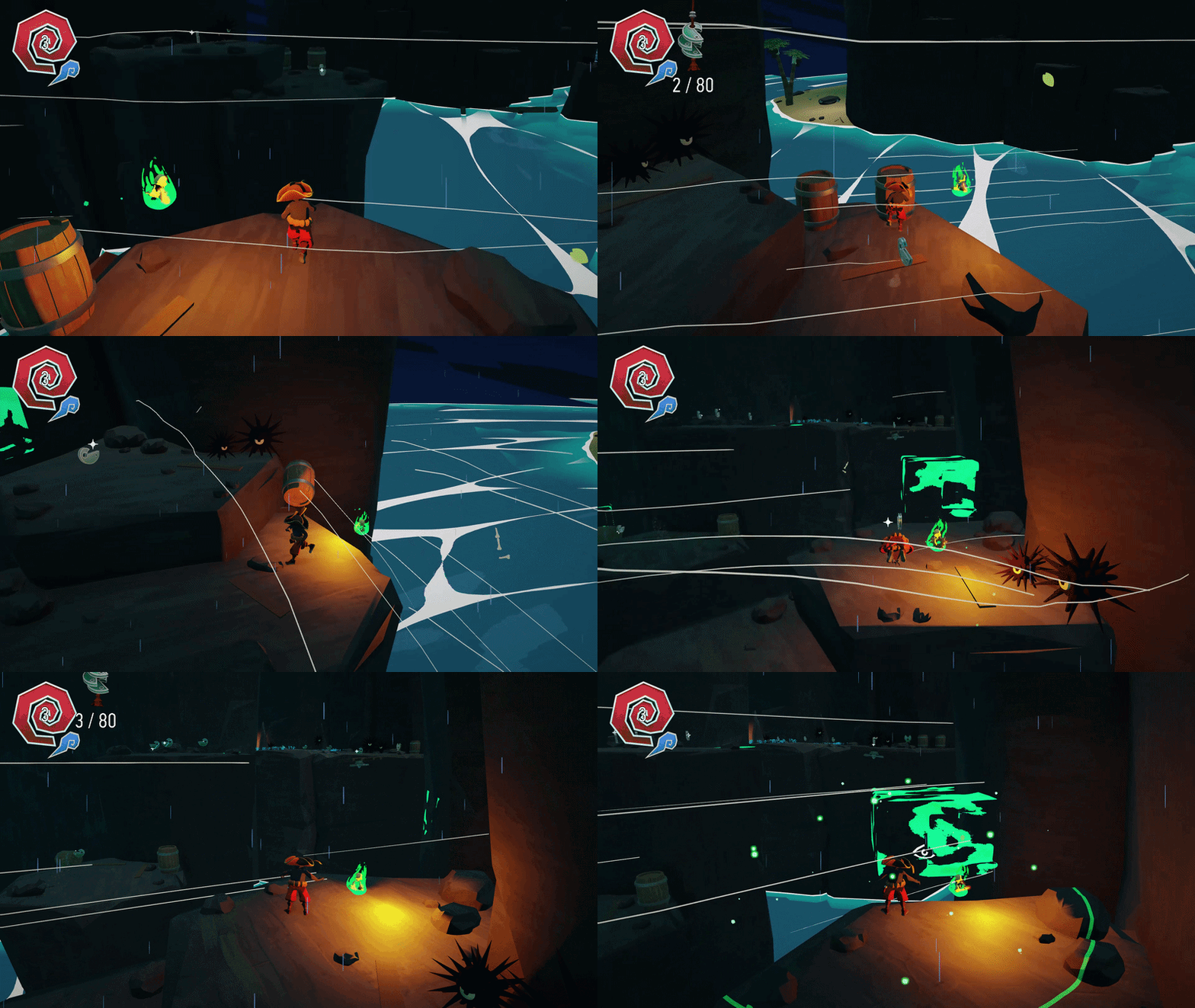
Dynamic objects can be moved by the player and are pushed around appropriately, such as the barrel. Kinematic objects are those that aren’t affected by gravity but are otherwise moving, such as the moving platforms. Static objects are those that are completely still.
Trigger Boxes
To detect when the player was atop a moving platform and our hazard was supposed to damage the player I created trigger boxes that are automatically added to the correct objects. The moving platforms had a trigger box on top of them while the hazard had it all around itself.